Your Israel eSIM is built for Israeli networks, so it does its job right up to the border and not beyond it. Near a crossing, your phone can briefly pick up a Jordanian or Egyptian signal. Israeli rules push carriers to block that by default, and processing at the terminal can leave you offline for a while. Install your eSIM before you leave home, finish your Israel plans with it, and set up connectivity for the next country separately. Our Israel eSIM for iPhone and Android plans give you 350GB of 5G data, a local +972 number, 3,000 call minutes and 1,500 SMS for $25, which covers everything on the Israeli side.
TL;DR
- An Israel eSIM is meant for use inside Israel. At a land border, expect your phone to lose or drop Israeli service as you leave, and plan for a gap while you are processed.
- Israel requires carriers to block roaming onto Jordanian and Egyptian networks unless the subscriber explicitly asks for it, which is why a travel eSIM normally stays quiet near the line.
- Before you reach a crossing: download offline maps, save addresses, screenshot bookings, and keep your home SIM or home number ready for texts.
- Install the eSIM at home over Wi-Fi, so it is ready the moment you land and you are not hunting for a signal in the arrivals hall.
- Check that your phone is unlocked and eSIM-capable before you buy.
Table of Contents
- Which crossings we are talking about
- What your phone does near the border
- The offline window: what it looks like
- Before you cross: a short checklist
- Why an eSIM beats a physical SIM at a crossing
- Will your phone work with an eSIM at all?
- Setting up before you fly
- What about the home carrier's roaming?
- The plan that covers your Israel days
- Our view
- FAQ
- Sources
Which crossings we are talking about
Israel has three land crossings with Jordan and one with Egypt. Most visitors never use them, but backpackers and anyone building a Petra, Aqaba or Sinai leg into a trip do.
| Crossing | Connects Israel with | Where |
|---|---|---|
| Sheikh Hussein (Jordan River) | Jordan | North, near Beit She'an |
| Allenby / King Hussein Bridge | Jordan | Near Jericho and the Dead Sea |
| Wadi Araba / Yitzhak Rabin | Jordan | Near Eilat and Aqaba |
| Taba | Egypt | South of Eilat, toward Sinai |
Each has its own hours, fees and paperwork. Jordan's tourism board notes that the Allenby/King Hussein Bridge requires a visa arranged in advance, and publishes the opening hours and fees for the crossings it runs. Treat that page as the place to confirm hours before you travel, because they change.
The connectivity questions are the same at all four: what does the phone do near the line, how long will you be offline, and what do you need ready beforehand?
What your phone does near the border
An eSIM is a digital SIM. Your phone connects to whichever network the profile lets it use. For a plan that is sold for Israel, that means Israeli networks. Close to a frontier, signals do not stop politely at the line, and a phone can see a neighboring country's tower that happens to be stronger than the nearest Israeli one.
This is a known issue and Israel has regulated it. A license amendment filed by an Israeli carrier shows the communications regulator requiring carriers to block international roaming through neighboring-country networks, defined as Jordan and Egypt, unless the subscriber explicitly requests it after being warned that the handset may roam involuntarily and told the tariffs. The amendment dates to 2012. The practical result for you is a sensible default: a phone sitting near the Dead Sea or the Gulf of Aqaba is not supposed to wander onto a foreign network and bill you for it.
What that means in practice:
- Weak or switching signal at the terminal is normal. The phone may show no service, or limited service, while it decides what to do.
- Do not force a manual network selection onto a Jordanian or Egyptian network on an Israel plan. That is the exact scenario the rule is designed to prevent.
- Once you are across, your Israel plan is not your connection. Use a plan or eSIM meant for the country you are entering.
Our plan is a prepaid, one-time purchase for travelers to Israel, with no hidden fees. That flat structure is part of why border drift is not a billing worry: you are not on a metered roaming arrangement that can run up charges when your phone grabs a stray signal.
The offline window: what it looks like
The real challenge at a crossing is not the signal, it is the time spent in processing. Passport control, security screening, bus transfers between the two sides and waiting for paperwork can stretch from under an hour to several hours depending on the crossing, the day and the season. During some of that, your phone may have no usable data.
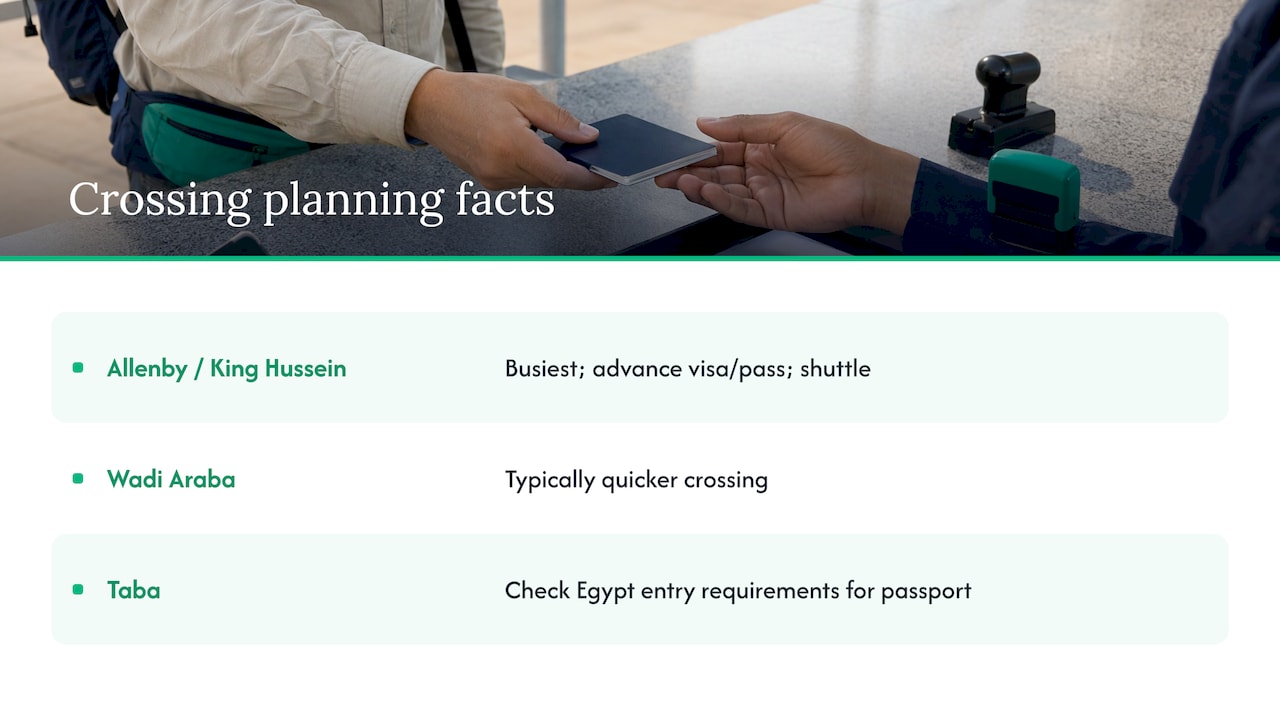
The Allenby/King Hussein Bridge is the one to plan most carefully. It is the busiest of the Jordan crossings, entry on the Jordanian side needs a visa or pass arranged ahead, and the transfer between sides is done by shuttle rather than on foot. Wadi Araba near Eilat is typically quicker. Taba is a different border with its own rules, so check Egypt's entry requirements for your passport before you go.
The point is the same wherever you cross: do not count on being online. Prepare as though you will be offline for a couple of hours.
Before you cross: a short checklist
- Download offline maps for the area you are heading to, including the crossing itself and the first town or city beyond it.
- Save your first night's address as a screenshot or a note, in both English and, if possible, the local script, so a driver can read it without you needing data.
- Screenshot bookings and visas. Hotel confirmations, tour vouchers, visa or pass documents and onward tickets should sit in your photos, not behind a login.
- Sort your rides on the far side. Ride-hailing apps that work well in Israel do not all work in the next country. Look up what operates there and how to pay before you arrive.
- Keep your home number reachable. Banks and apps send one-time codes to your main number. Our guide on switching to an eSIM without risking 2FA lockouts explains how to keep that working while you use a local line.
- Charge up and carry a power bank. A long queue and a phone that keeps searching for signal will drain a battery faster than usual.
- Arrange the next country's connectivity in advance, ideally installed and ready to switch on once you have crossed.
Why an eSIM beats a physical SIM at a crossing
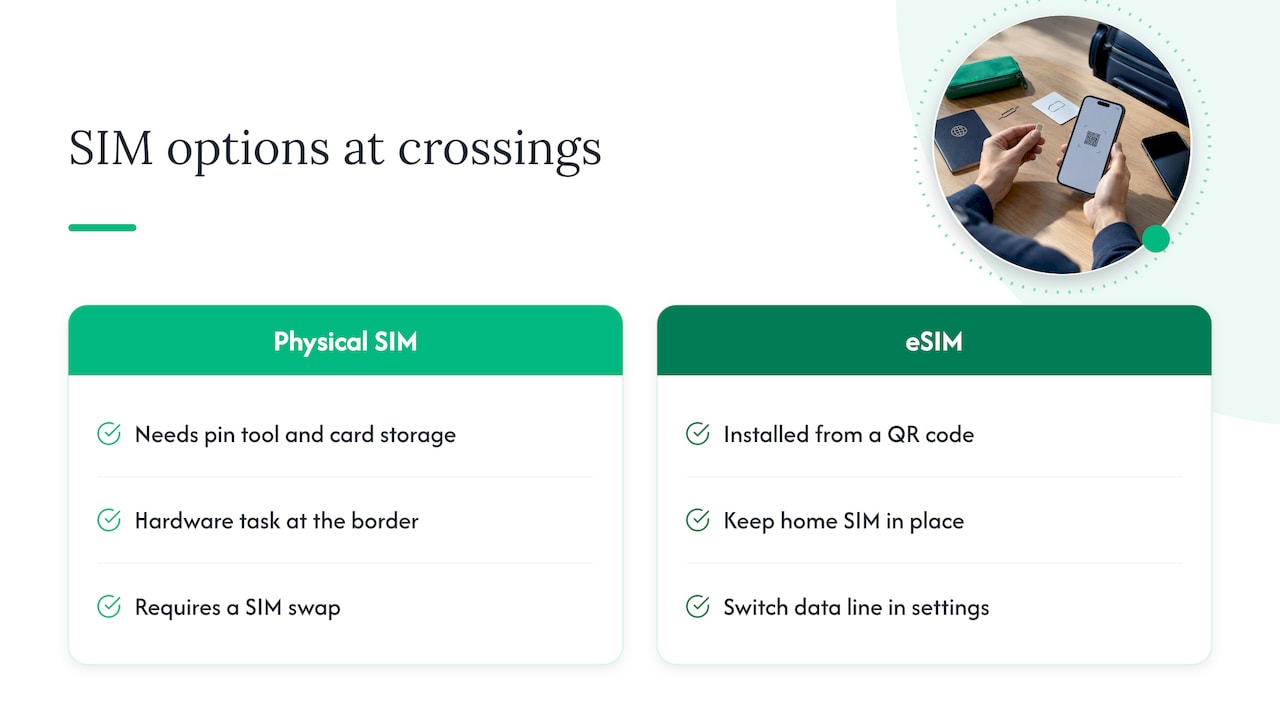
A border is the worst place to fiddle with hardware. With a physical SIM you need a pin tool, a free moment and somewhere to keep the tiny card, all while standing in a queue with a bag in your other hand.
An eSIM removes that. It is installed from a QR code, and on a dual-SIM phone you can keep your home SIM in place and switch the data line in settings. That is how our eSIM works: it supports iPhone and Android without a SIM swap, so your home number stays on the phone while the Israeli plan handles data. Moving between lines is a settings change, not a hardware task.
It also helps on the Israeli side. Because the eSIM is installed before you fly, you land with data and your +972 number already working, rather than looking for a kiosk. That matters when your plan includes a leg by land: you can book an Israeli ride, message a hotel or check a bus time right up to the moment you reach the terminal.
Will your phone work with an eSIM at all?
Before any of this, confirm two things.
Your phone must support eSIM. Most recent iPhones and flagship Android phones do. There are exceptions by region: iPhones sold in mainland China, Hong Kong and Macao generally do not support eSIM, and some Galaxy models sold in China, Hong Kong and Taiwan, and certain US Galaxy S20, S21 and Note 20 Ultra models, are not eSIM-compatible, according to Easy Israël Mobile's compatibility list. Check our compatible devices page or the full compatible phones guide for the models we list.
Your phone must be unlocked. A phone locked to a US carrier will not accept another carrier's eSIM. On an iPhone, look under Settings, General, About for the carrier lock line; you want it to say there are no SIM restrictions. If it does not, ask your carrier to unlock it before you travel, since the process can take days.
If you are on Android, our Android eSIM setup guide walks through the menus, and for iPhone 15 owners there is a guide to installing before you land.
Setting up before you fly
The process is short, and it is best done at home on Wi-Fi.
- Buy your plan and receive the QR code by email.
- On your phone, open the eSIM or cellular settings and add a new eSIM by scanning the code.
- Label the line, for example "Israel", so you can tell it from your home line.
- Leave the eSIM installed but switched off for data until you land, or turn on the plan when you arrive. Our plan is designed for instant activation on arrival.
- Keep your home SIM as the line for calls and texts from home if you want, and set the Israel line as your cellular data line.
- Switch off data roaming on your home line to avoid any carrier charges.
For a longer walkthrough with screenshots, see our iPhone and Android setup guide.
What about the home carrier's roaming?
Many Americans assume their own carrier's day pass is the easy answer. It is simple, but it is a daily fee, and a trip that runs a week or two adds up quickly. We break down the numbers in our Israel eSIM versus roaming cost comparison, and in separate guides to AT&T roaming in Israel and T-Mobile roaming in Israel.
At a border the difference is sharper. Roaming relies on your phone choosing a partner network, and near a frontier that choice can flip to a neighboring country. A prepaid Israel eSIM with a flat price takes that variable out of the picture.
The plan that covers your Israel days
If your trip is mostly in Israel with a day or two across the border, one plan does the Israeli part:
- 350GB of high-speed 5G data
- A local +972 number
- 3,000 minutes of calls and 1,500 SMS
- Unlimited app browsing on select platforms
- QR code activation, iPhone and Android, no SIM swap
Choose the 30-Day Traveler or 14-Day Traveler plan depending on how long you are in the country. If a shorter trip is what you need, our two-week plan page covers it. The local number is useful for the things that need an Israeli line, from rides to restaurant deliveries and hotel check-ins, and our +972 number page lists how people use it.

If Jerusalem is where you start, our Jerusalem eSIM page has the details for that part of the trip.
Our view
We built SabraConnect around one idea: when you land in Israel, your phone should already work. That is why the plan is a single flat purchase, with 350GB of 5G data, a +972 number, 3,000 minutes and 1,500 SMS, instead of a meter running in the background.
Border days are where that clarity matters. A crossing is stressful enough with queues, paperwork and a long transfer. You do not also want to wonder whether your phone has slipped onto a foreign network or what that might cost. With a prepaid Israel eSIM and a dual-SIM setup, your home SIM stays in place, your Israel line does the data job, and nothing needs to be swapped by hand at a counter.
Our advice to every traveler who plans a land crossing is the same: install before you fly, download offline maps before you queue, keep your home number for codes, and treat the far side as its own connectivity plan. Do that, and the Israeli part of your trip is covered from the moment you land.
sabraconnect
FAQ
Will my Israel eSIM work in Jordan or Egypt?
Our plan is designed for use in Israel, with a +972 number and Israeli coverage. Israeli rules also require carriers to block roaming onto Jordanian and Egyptian networks by default, so expect your Israel line to stop serving you once you leave. Set up connectivity for the next country before you cross.
Will I be charged if my phone picks up a Jordanian or Egyptian signal near the border?
Carriers in Israel must block roaming through neighboring-country networks unless the subscriber explicitly asks for it, so the default is protection. Our plan is a prepaid flat purchase with no hidden fees. Keep data roaming off on your home line too, and avoid selecting a foreign network manually.
How long will I be offline at a land crossing?
It depends on the crossing, the day and the season. Allenby/King Hussein Bridge is generally the slowest, while others are quicker, but plan on a gap of an hour or two in any case. Download offline maps and save addresses and bookings before you enter the terminal.
Do I need to unlock my phone for an Israel eSIM?
Yes. A phone locked to a carrier will not accept another carrier's eSIM, so request an unlock from your home carrier before you travel, since it can take several days. You also need a phone that supports eSIM, which our compatible devices page helps you confirm.
Sources
- Jordan Border Crossings: hours, visas and fees
- Israeli regulator's roaming-block license amendment (SEC filing)
- eSIM device compatibility list